Six ways to call an LLM from Oracle APEX, and the region choice that broke all six
Oracle and APEX give you at least six distinct mechanisms for calling an LLM, from raw REST calls to fully declarative Shared Components. On my Always Free tenancy every single one failed against OCI's own Generative AI service, including two that involve zero custom code.
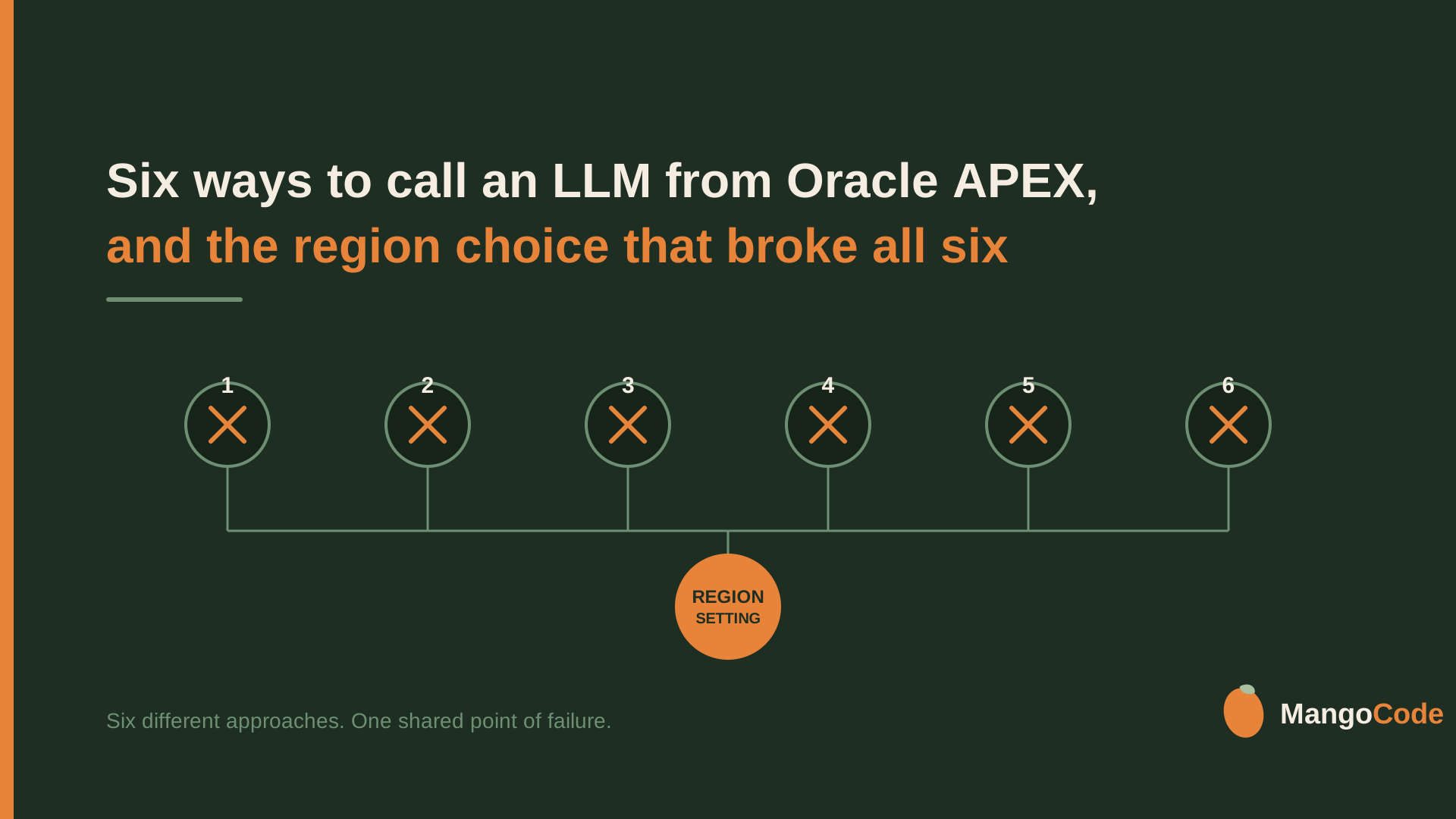
I tried six different ways to send a prompt to an LLM from Oracle APEX and get text back. All six failed. Not because of bad code but because of a decision made once at signup, years before Generative AI existed as a product.
I had a hunch going in. My previous article on generating vector embeddings in Oracle 23ai ran into the same kind of regional wall, so I half expected chat to hit it too. I wanted to see it for myself rather than assume, so I wired up all six options and tested them.
I build Oracle APEX applications for enterprise clients at Qualogy, and adding an LLM into an app is one of those things that can be genuinely valuable for a business. So after writing about the six ways to generate vector embeddings in Oracle 23ai, I wanted to do the other half. Not turning text into a vector, but sending a prompt and getting an answer back.
TL;DR: Oracle and APEX give you at least six distinct mechanisms for calling an LLM, from raw REST calls to fully declarative Shared Components. On my Always Free tenancy every single one failed against OCI's own Generative AI service, including two that involve zero custom code. The cause had nothing to do with which option I picked. It was my tenancy's home region, assigned once at signup, which cannot reach the service and cannot be changed. Once I pointed the same six options at a different provider, four of them worked, each with its own gotchas along the way.
The setup
The plan was simple. Take every documented way Oracle and APEX let you call an LLM, wire each one up the same way, and see what happens.
The six options:
- REST via DBMS_CLOUD.SEND_REQUEST, with a manual JSON body and manual response parsing.
- Declarative: a Generative AI Agent plus an AI Configuration Shared Component, called through APEX_AI.GENERATE.
- DBMS_VECTOR_CHAIN.UTL_TO_GENERATE_TEXT, the chat-completion sibling of the embedding call from my previous article.
- DBMS_CLOUD_AI (Select AI), using GENERATE(action => 'chat').
- APEX_WEB_SERVICE.MAKE_REST_REQUEST, the same idea as option 1 but through APEX's own HTTP client.
- A declarative REST Data Source, also called a Web Source Module, pointed at the chat endpoint.
Two of the six, options 2 and 6, need no code at all. You configure them by clicking through App Builder, Oracle APEX's development environment. The other four are PL/SQL, Oracle's procedural language that runs inside the database itself.
Round one: all six against Oracle's own AI
I wired every option against OCI's Generative AI service first, since that is the obvious default when you are already sitting on Oracle infrastructure. All six failed.
Option 1 (REST):
ORA-20000: ORA-29259: end-of-input reached in UTL_HTTP callThe connection dropped before a full response came back. Not a JSON problem, not a credential problem. The request never got a real answer from the other end.
Option 3 (UTL_TO_GENERATE_TEXT):
ORA-20000: Oracle Text error:
DRG-50857: oracle error in dbms_vector_chain.utl_to_generate_text
ORA-20000: ORA-24247: Network access denied by access control list (ACL)
A different failure than option 1, and one layer earlier in the stack. An access control list is Oracle's per-database allowlist of outbound hosts. Nothing leaves the database unless a host is explicitly on it.
Option 4 (Select AI): matched option 1 exactly, same ORA-29259 connection drop.
Option 5 (APEX_WEB_SERVICE): the same connection drop as options 1 and 4, just wrapped in APEX's own error handling instead of DBMS_CLOUD's.
Options 2 and 6, the two declarative, zero-code options: these never reach my PL/SQL at all. Both die inside App Builder's own setup wizards, before a single line of my code runs. Option 2's Generative AI Service fails its own Test Connection button. Option 6's REST Data Source wizard fails its own connectivity probe, before Data Profile discovery even starts.
Confirming the hypothesis
It took about half a day to wire up all six options and test whether they broke the same way the embeddings did. Six unrelated mechanisms, built on different APIs, different credential types, different HTTP clients, and every one of them failed. Two of the failures involved no PL/SQL of mine at all, just Oracle's own tooling talking to Oracle's own AI service.
That was enough to confirm it. The actual cause: my Always Free tenancy's home region does not host OCI Generative AI at all. I confirmed this through the OCI CLI, outside of any of the six options, and it is a hard wall. Not a quota I could raise, not a permission I could request.
The region wall, in detail
Your home region is chosen once, at signup. I suspect it defaults to something near your billing address. Oracle documents that it cannot be changed after the tenancy is provisioned.
Mine is Amsterdam, and it was picked years before Generative AI was a product anyone thought to ask about.
OCI Generative AI does not run in every OCI region. At the time of writing, Oracle lists eleven commercial regions that host it: Sao Paulo, Frankfurt, Hyderabad, Osaka, Riyadh, Abu Dhabi, Dubai, London, Ashburn, Chicago, and Phoenix. That list moves, so check the current one rather than trusting this paragraph: Generative AI Regions.
Amsterdam is not on it.
That same Oracle page has a second table further down, and it is worth addressing because it looks like it contradicts everything above. That table lists Amsterdam as a calling region, with Frankfurt as its destination. If you find it before you find the first table, you will reasonably conclude that Amsterdam can reach the service after all.
Reading it closely, that table is about something else. The page frames it as covering OCI services that are documented as making calls into Generative AI on your behalf, not your own tenancy calling the endpoint directly. That is how I understand it at least. What actually settled it for me was not the docs but my own tenancy, which could not reach the service no matter what I tried.
Which brings me to the exit. The console offers exactly one way past this. I tried subscribing to another region while writing this, and got:
You have exceeded the maximum number of regions allowed for your tenancy. See the Limits, Quotas and Usage page for more detail. To access more regions, you must upgrade to a paid account.
That is the whole story in two sentences. The wall is real, it is tied to the account tier, and the only documented way through it is a credit card.
So if your Always Free home region happens to be one of the eleven, none of this applies to you. That is very likely why other people's guides show all of this working with none of the trouble I ran into. This is not "Always Free cannot do Generative AI." It is closer to this: whether Always Free can reach Generative AI at all was decided the day you signed up, before you had any reason to care.
Round two: pointing the same six at a different provider
If the wall was specific to OCI's own service, the fix was never going to be better code. It was going to be a provider OCI does not control. I picked Cohere and wired the same six options at it directly.
Option 3 worked, after two fixes. Always Free grants no default network access to any external host. I had to explicitly grant an access control list entry with DBMS_NETWORK_ACL_ADMIN.APPEND_HOST_ACE before the call could reach Cohere's API. Once that was in place the call succeeded, but returned a wrapped provider error with what looked like a real answer buried halfway through it. The model I had picked was a reasoning-enabled one, and its response led with a "thinking" block before the actual text. Oracle's response parser was not built to expect that. Switching to a plain, non-reasoning model fixed it.
Option 4 (Select AI) worked on the first try, no surprises. Its credential is a standard stored DBMS_CLOUD.CREATE_CREDENTIAL, the same one-time setup I already trusted from the embeddings piece.
Option 5 (APEX_WEB_SERVICE) also worked on the first try, and turned out to be the cleanest of the six on a detail that matters more than it sounds. The API key goes straight into an encrypted field in App Builder's Web Credential UI. It never touches a SQL script or a PL/SQL source at all.
Option 2 worked, but took three fixes to get there. First I had pointed p_config_static_id at the Generative AI Service instead of at the application's AI Agent (previously called AI Services). After that was fixed, running the test from outside a real APEX session threw ORA-20001: Package variable g_security_group_id must be set, which needs an explicit workspace context. Getting past that surfaced a second, more specific error:
ORA-20961: Generative AI Agent ... does not exist in the current applicationThe object this option depends on is scoped to a specific application, not just a workspace, so a workspace-level fix was not enough. The working fix was APEX_SESSION.CREATE_SESSION with an explicit application ID, and that procedure will not run inside APEX's own SQL Workshop tools. It has to run from a direct database connection.
Option 1 I decided not to test against Cohere at all. Every other working option here stores its credential once and never touches the raw key again. Option 1's design takes the API key as a call-time parameter, which means pasting the real key back into the script on every single run. That is a worse exposure pattern than a one-time credential setup, and not one I was willing to repeat just to confirm what the other four had already shown.
Option 6 I left out of this round, and the honest reason is that I did not want to do it. It was already the architectural outlier of the six, built around APEX_EXEC, which is designed for tabular row cursors rather than a single prompt-and-response exchange. Worth revisiting for completeness. Not worth prioritising when four options had already answered the question.
Where that leaves it
Four of the six options work today, on the same Always Free tenancy that failed all six against OCI. The two declarative options and the two native PL/SQL options all reach an LLM successfully once pointed away from OCI's own service. The two hand-rolled REST options split: one works, one I chose not to run the way it was built.
None of this was a problem with the code. It was a wall specific to one provider, on one tenancy tier, tied to a region choice most people never think about at signup. Point the same mechanisms somewhere else and Oracle's tooling does what it says on the tin.
If you are on Always Free and building something that needs an LLM, check your home region before you spend half a day debugging what looks like a code problem. It might not be one.
All six PL/SQL packages, the setup scripts, and the smoke tests are on GitHub: oracle-26ai-llm-chat-cookbook.
What is the strangest infrastructure wall you have hit that turned out to have nothing to do with your code?